| 1. |
Search Results
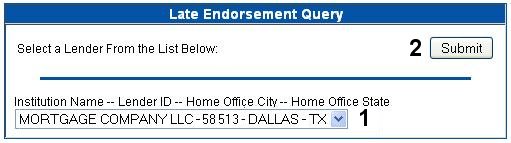
Click on the arrow to the right of the list box and choose the desired lender for which to generate a summary report. If the lender does not appear in this list box, try the alternate method (e.g. if ID search was used, try first few characters of name; if name search was used, try lender ID). If the lender still does not appear, and you believe this lender has originated single family loans during the SFNW timeframe, submit an inquiry via the Feedback button. |
| 2. |
Submit
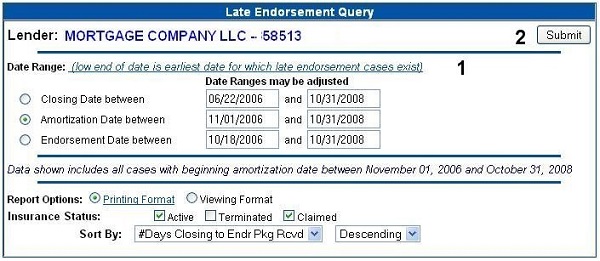
The Submit button, when clicked, will activate the date range search screen. |
|