Entering a Second Appraisal
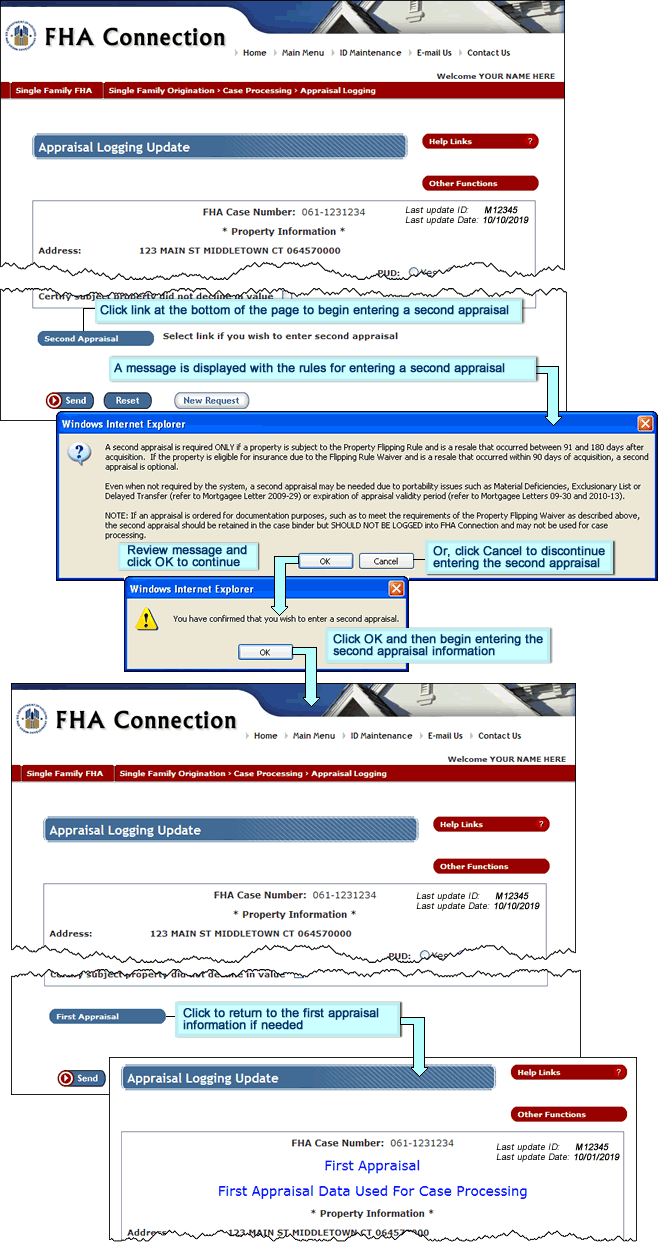
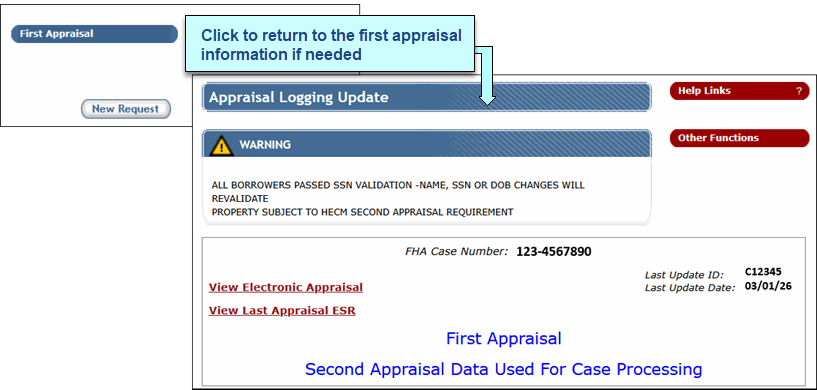
To begin recording a second appraisal, select the Second Appraisal link at the bottom of the Appraisal Logging Update page of the existing appraisal (first appraisal). A pop-up message box is displayed with rules for entering a second appraisal. Carefully review the information provided to help determine if a second appraisal should be entered for the case. Select OK to begin entering the appraisal information; otherwise, select Cancel to discontinue the second appraisal process.